
AI picture studio · seven models
An AI picture generator that knows where the picture goes.
Pick what it is for (a poster, a wallpaper, an art print, a post) and the shape is set for you. Write one prompt, choose from seven models, and see the price before you press Create. New accounts get 8 free credits once, after verifying their email address. One Z-Image Turbo image costs 8 credits.
- Poster · 3:4
- Phone wallpaper · 9:16
- Desktop wallpaper · 16:9
- Art print · 4:3
- Square post · 1:1
What is it for?
The cheapest. Good for drafts and trying many variations.
Cost 8 credits
The free credits cover one Z-Image Turbo picture (8 credits). No watermark.
- 7 models, one prompt box
- 1 to 4 pictures per prompt
- No watermark
- Private results, deleted after 30 days
Examples
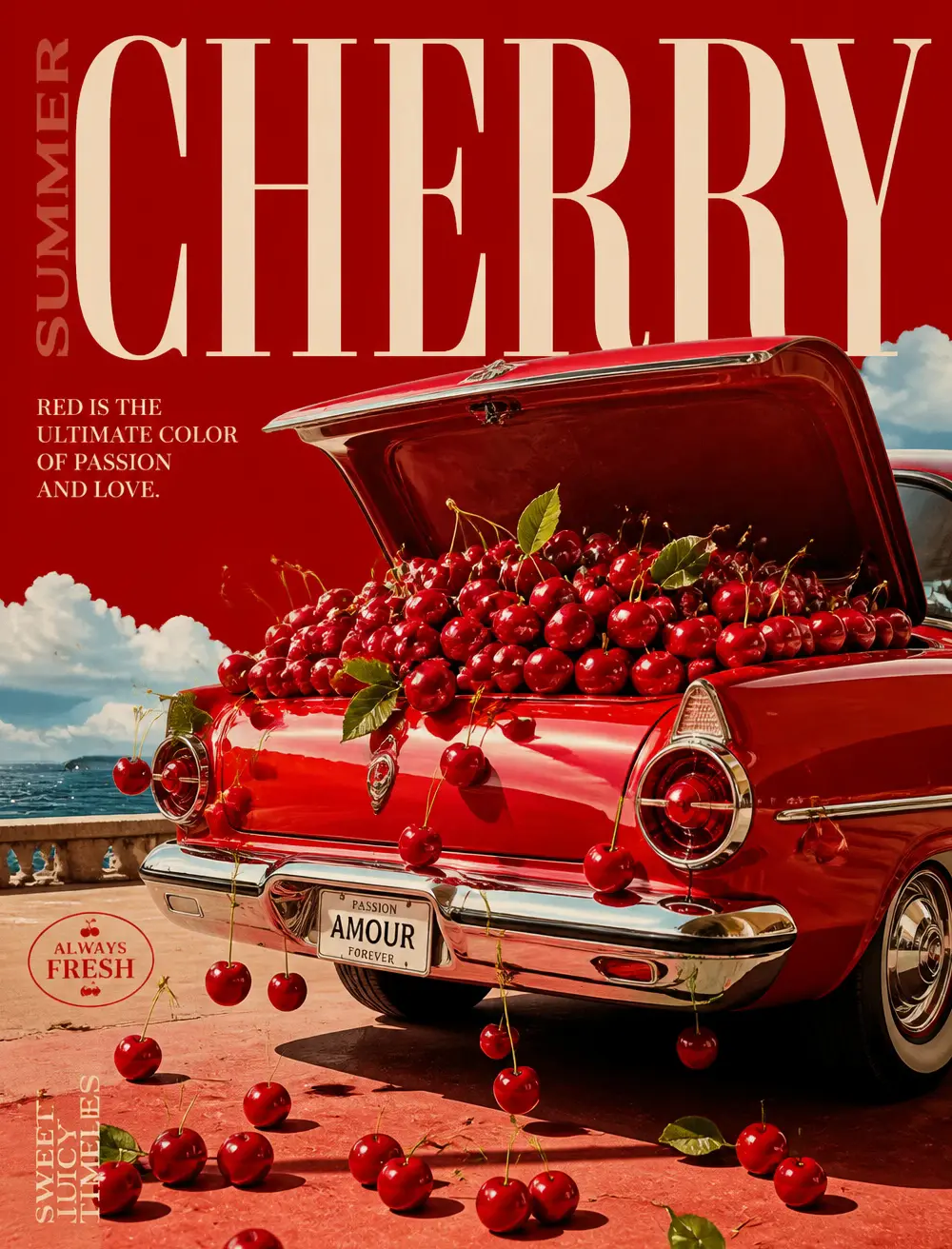
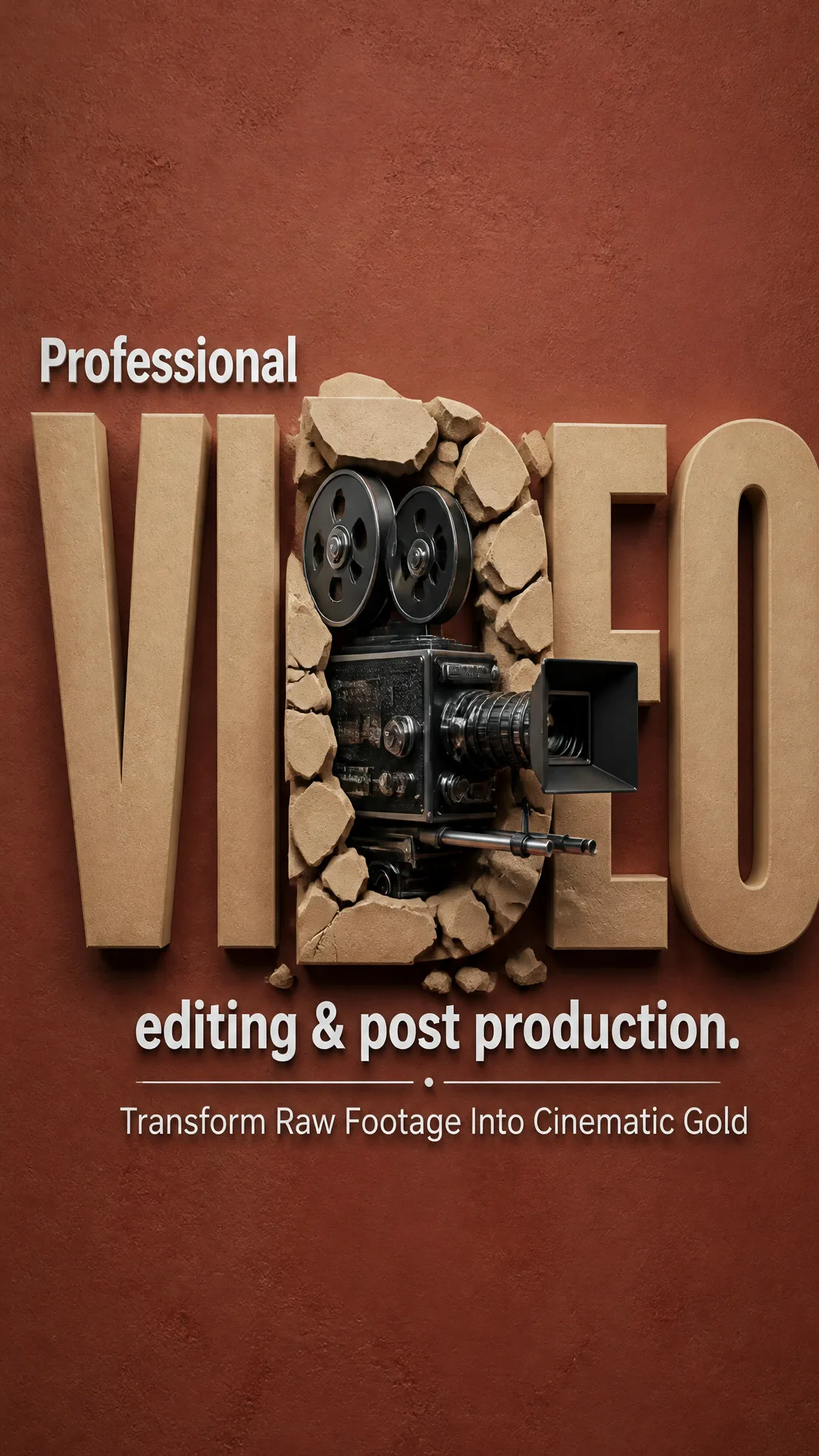
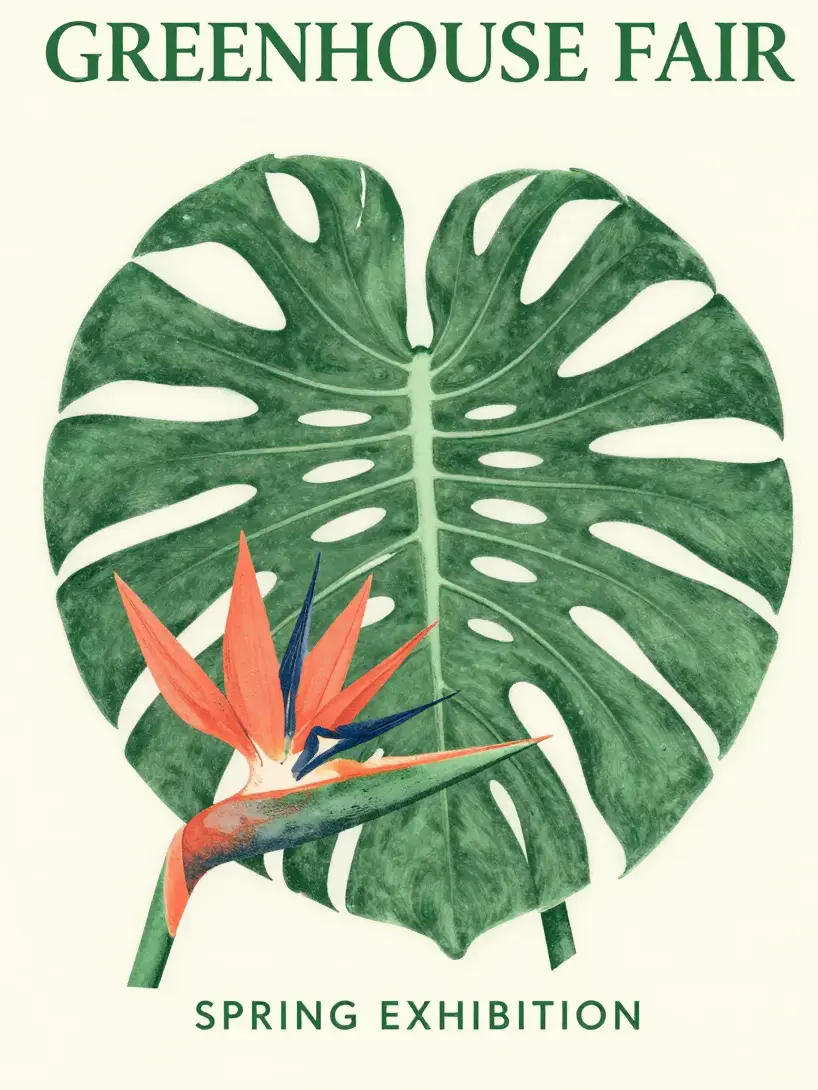
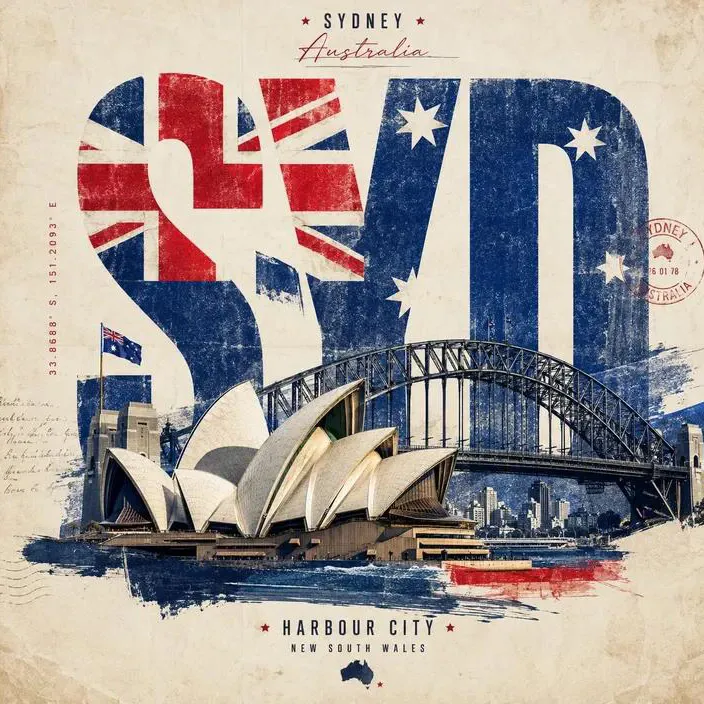
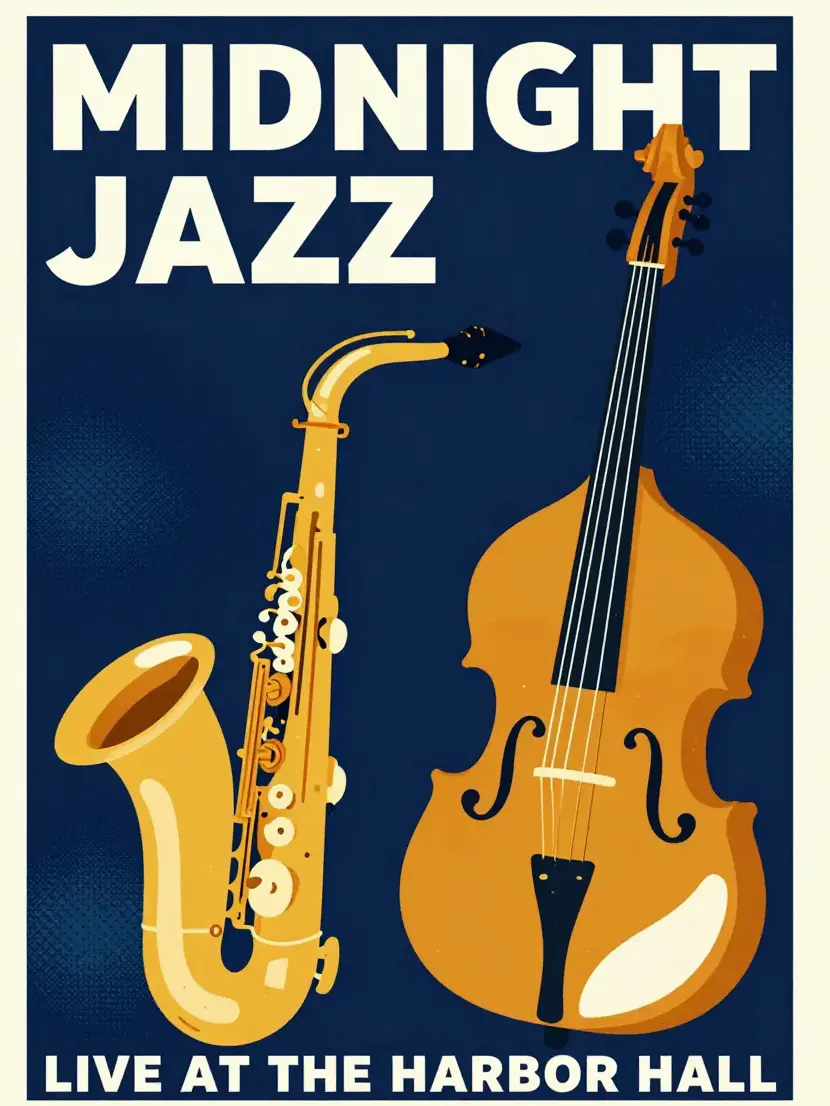
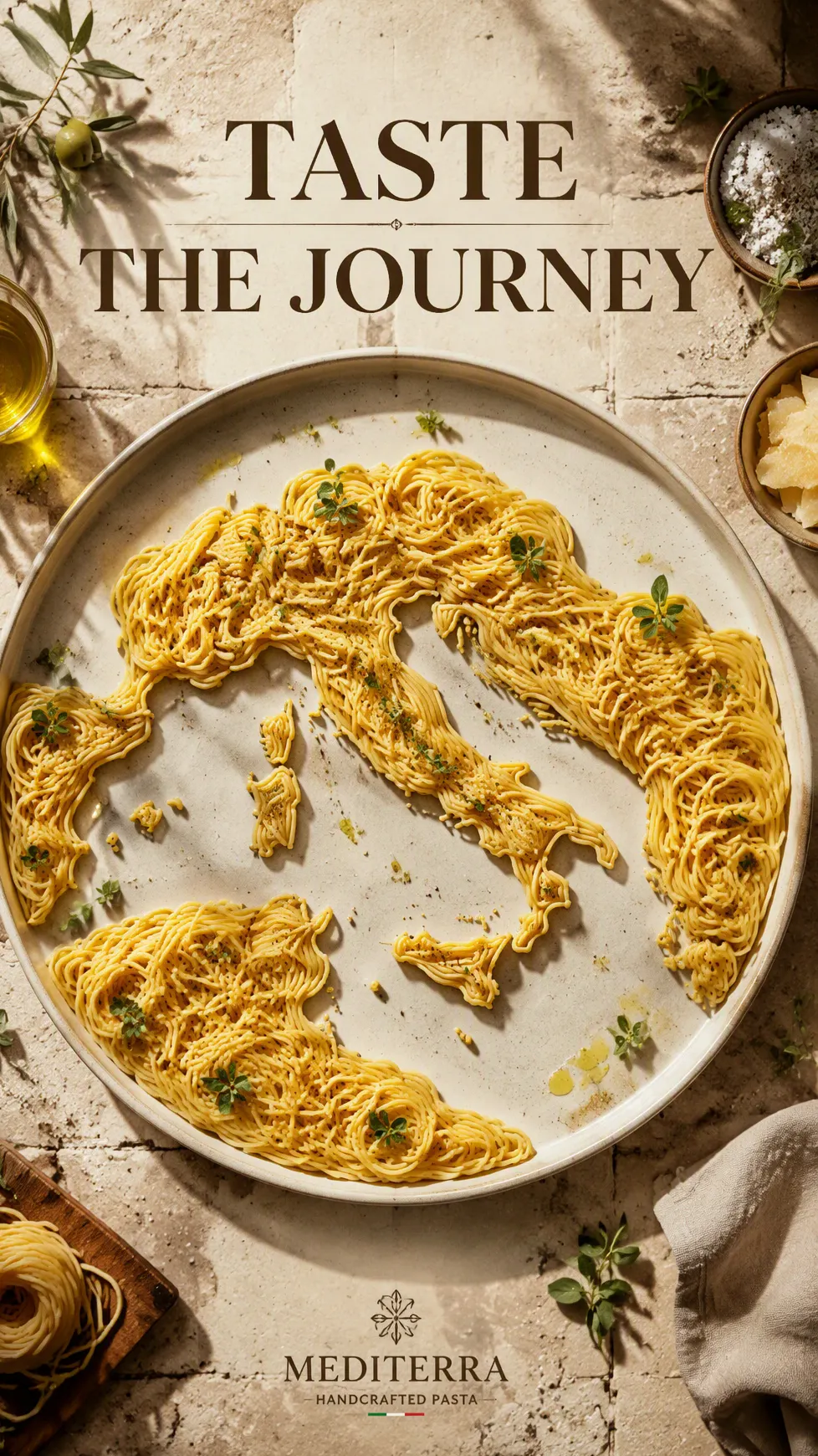
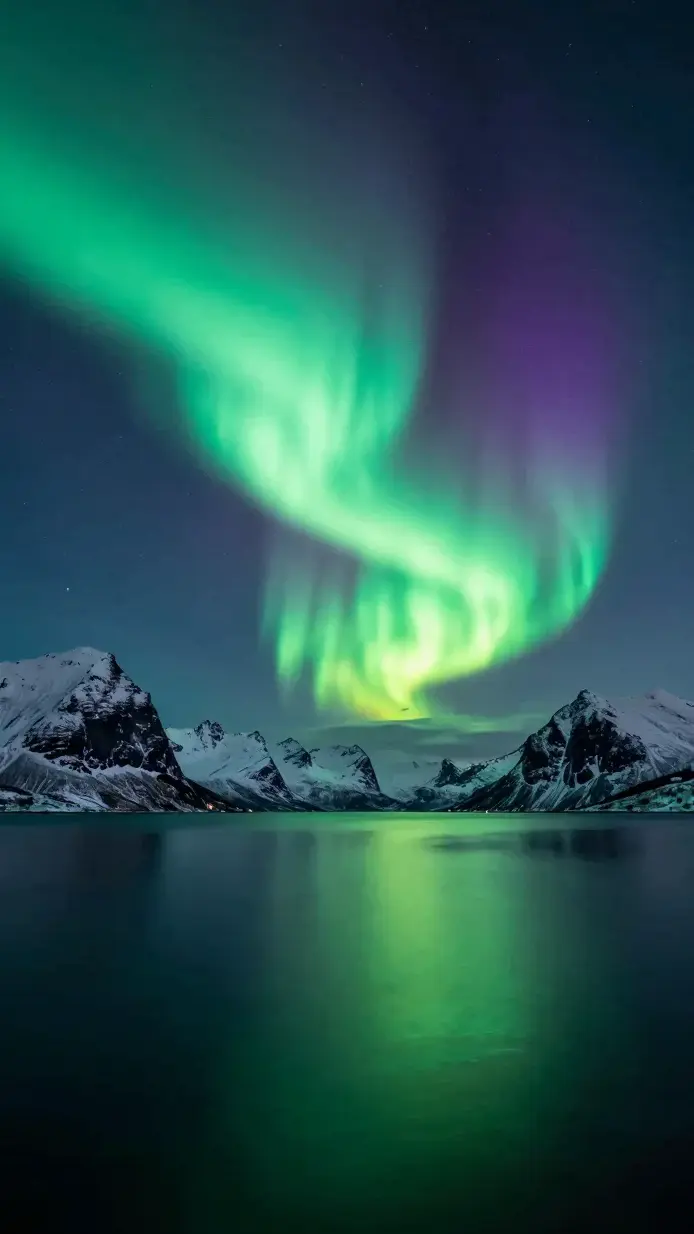
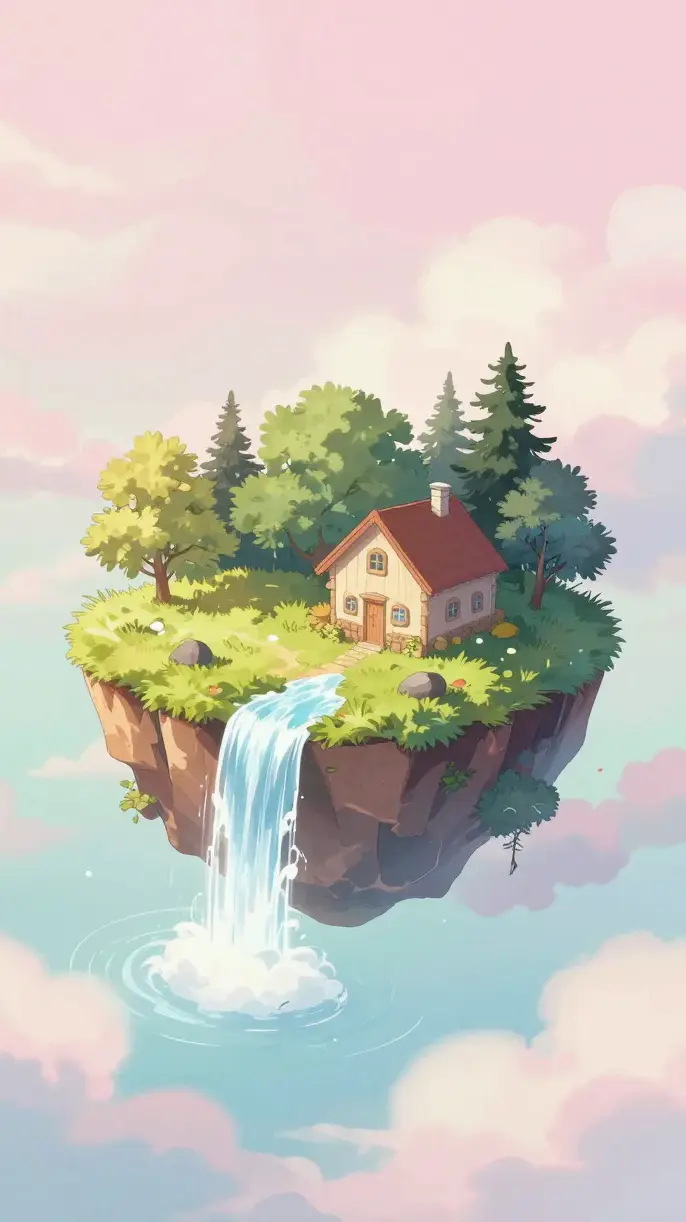
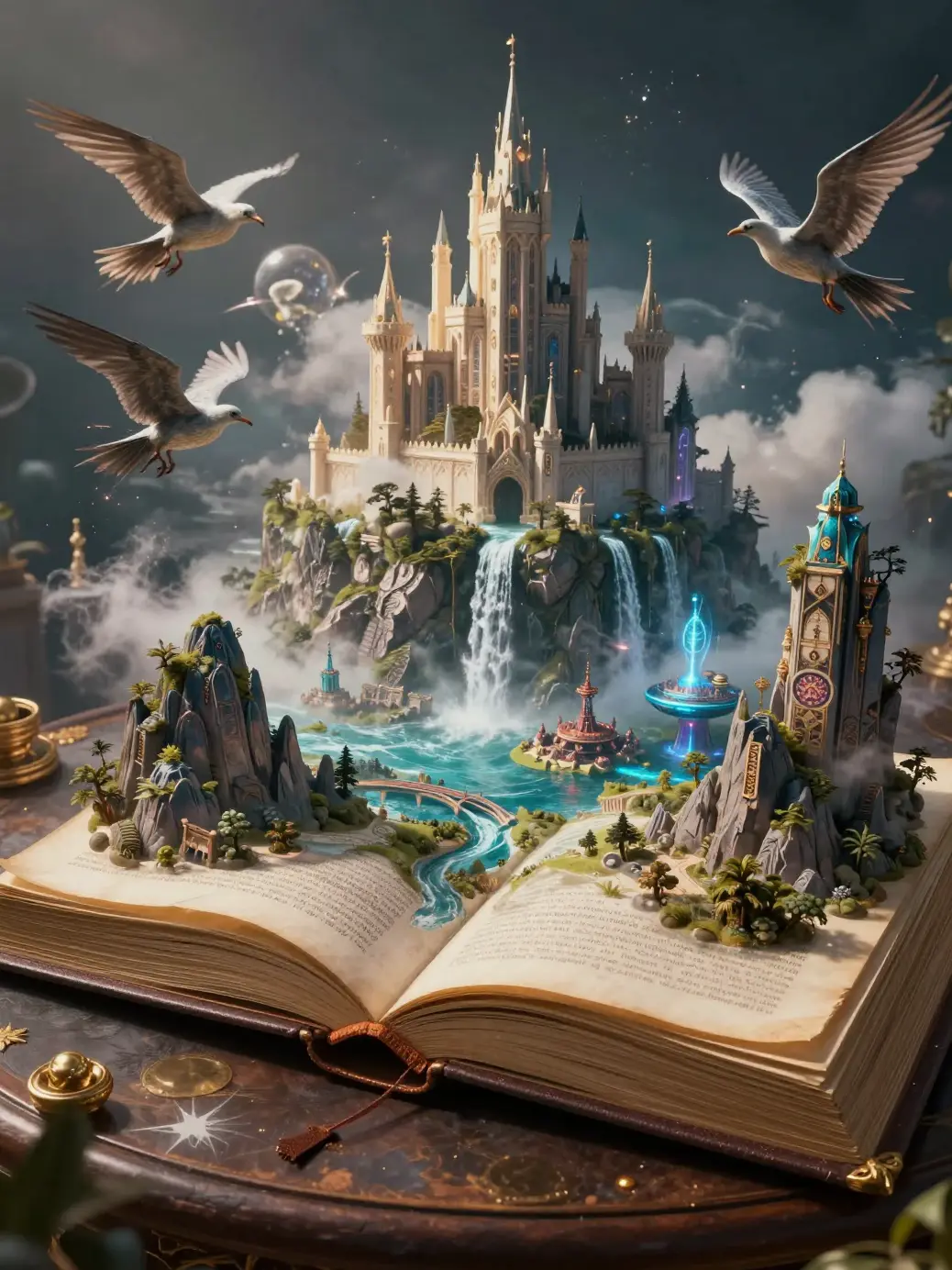
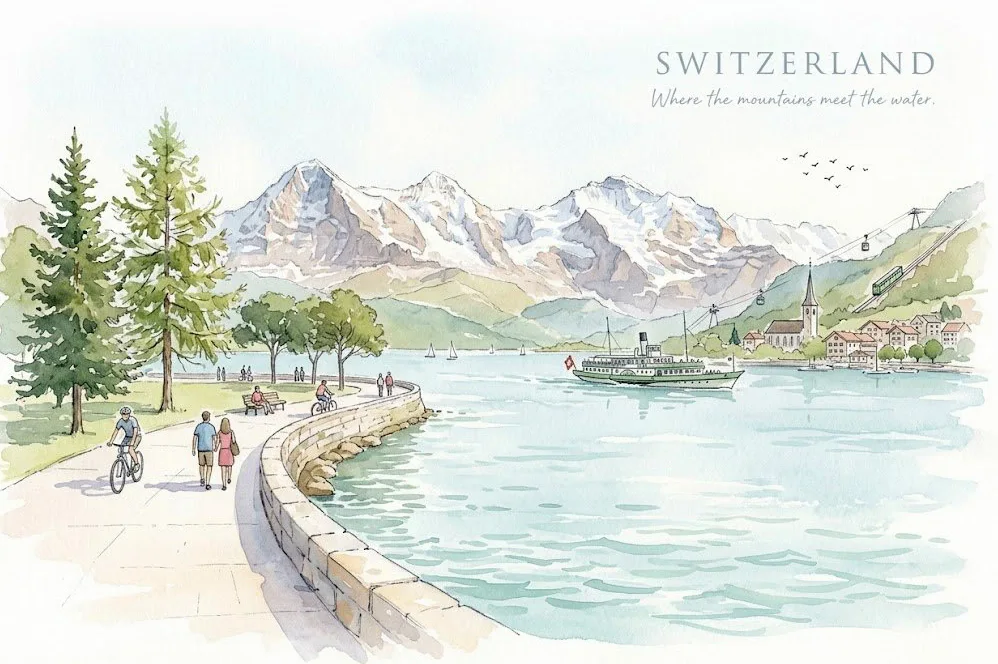
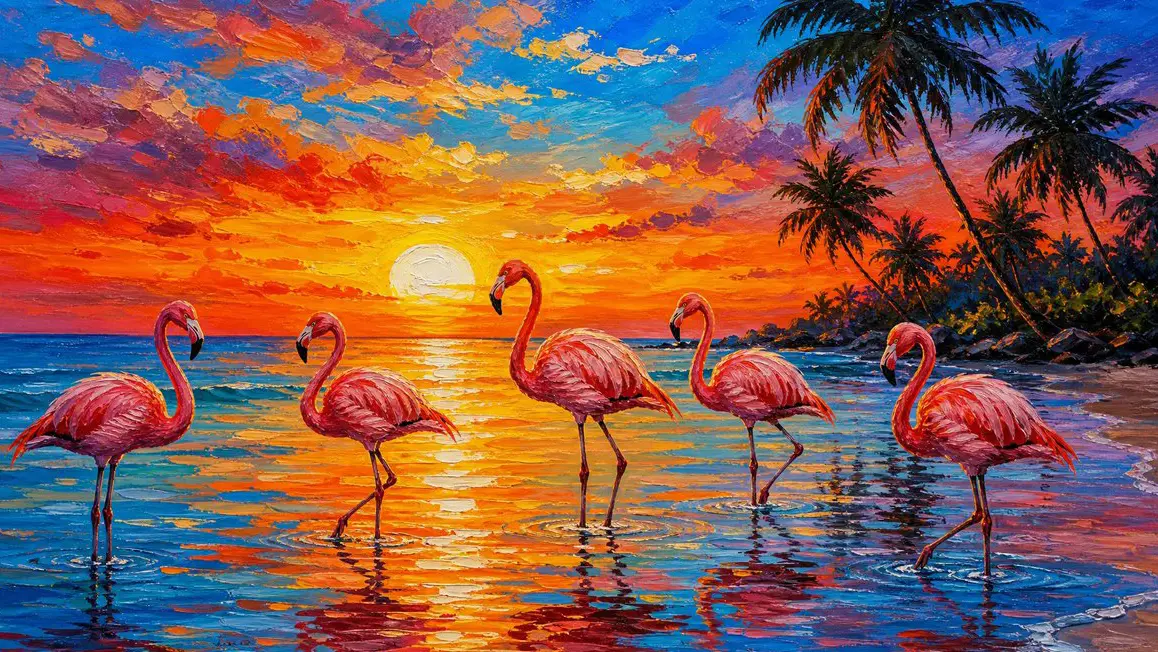
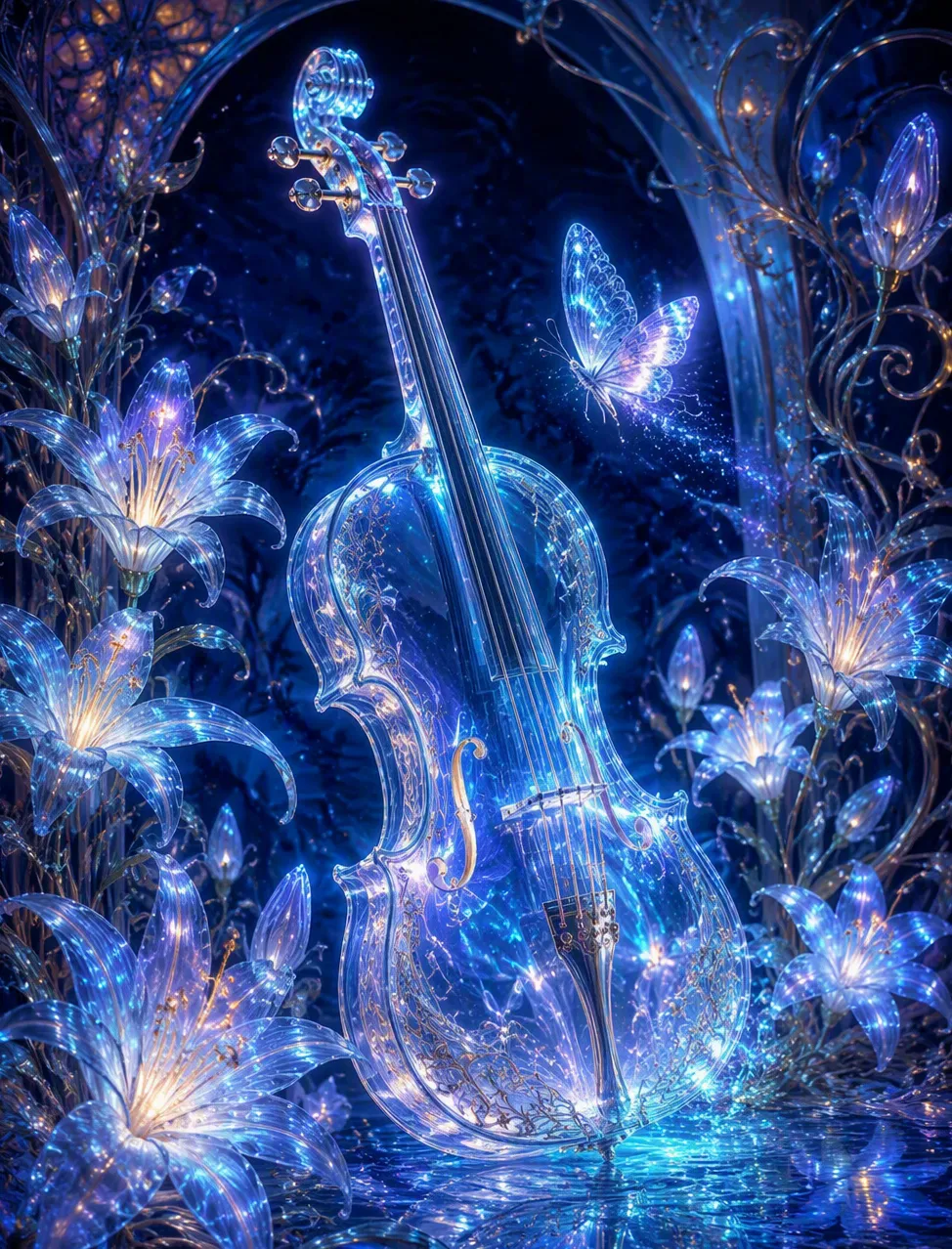
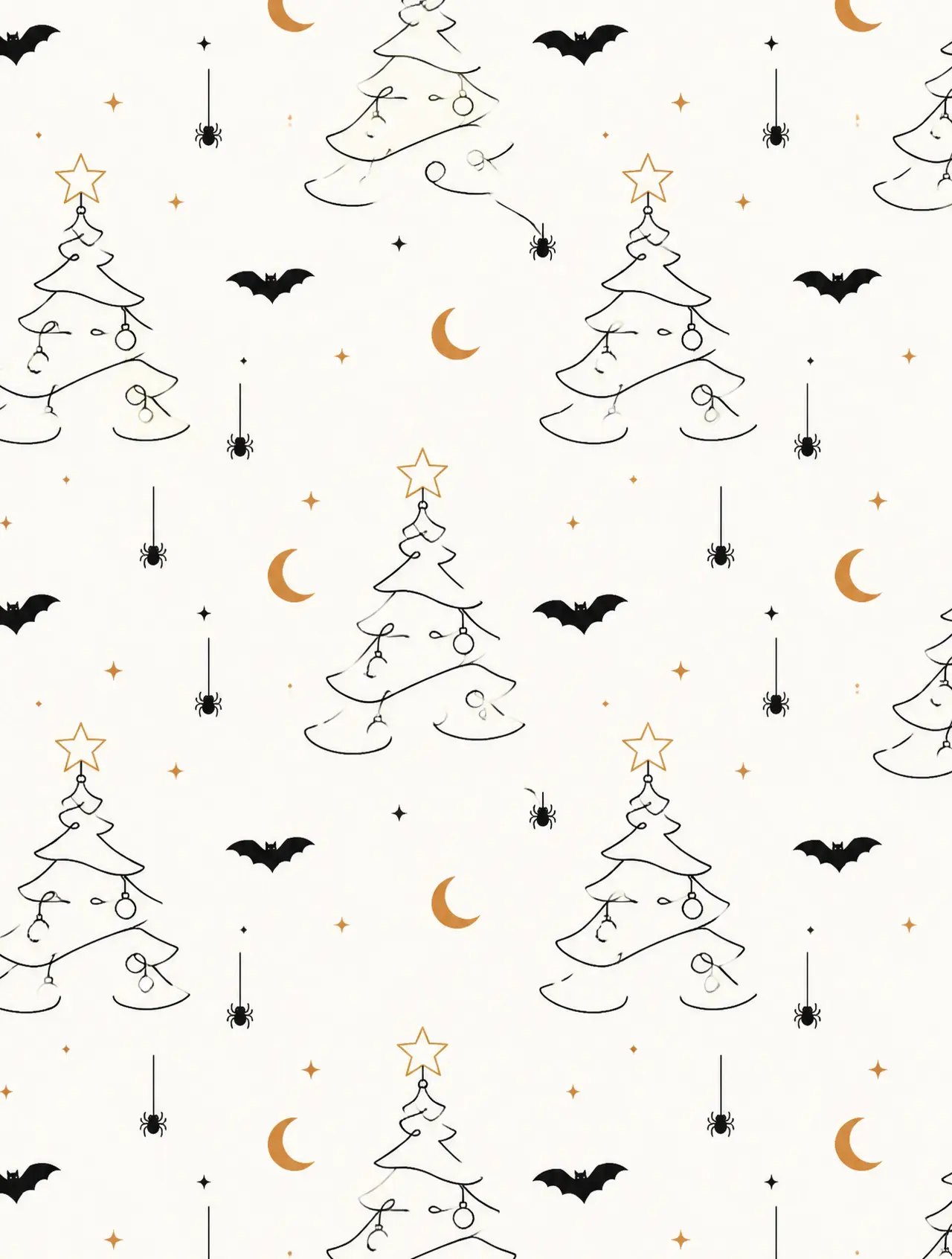
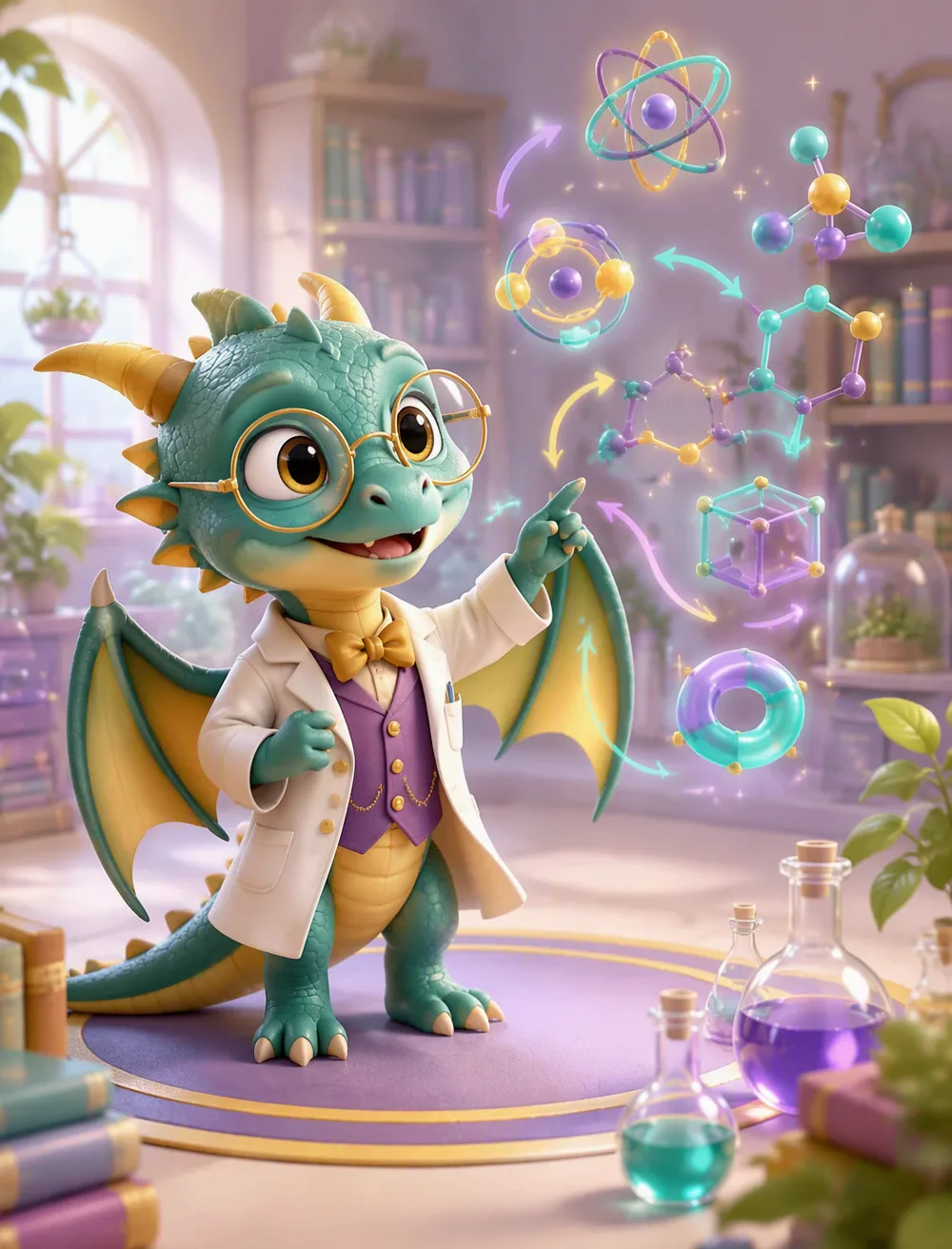
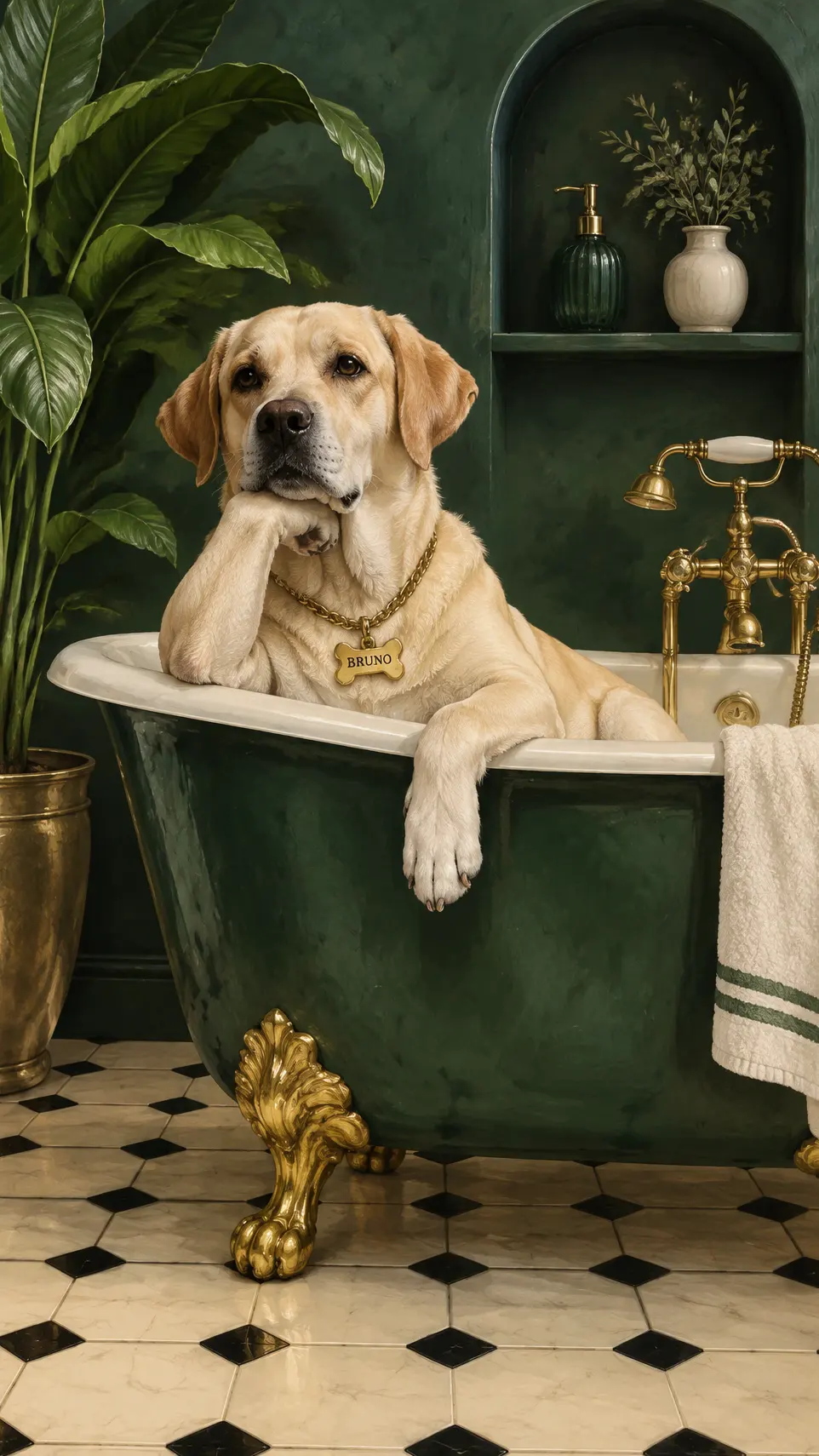
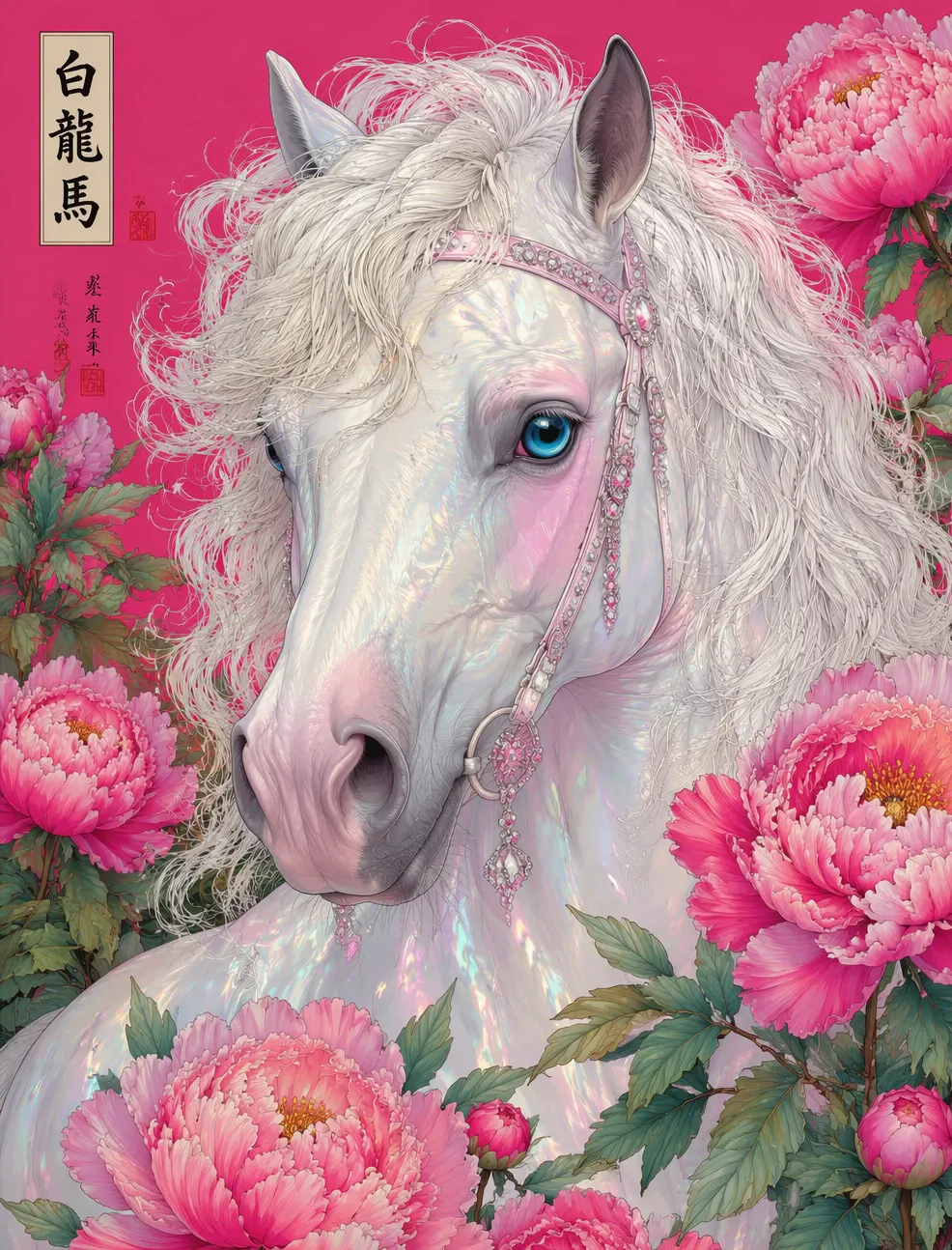
Pictures and the prompts behind them
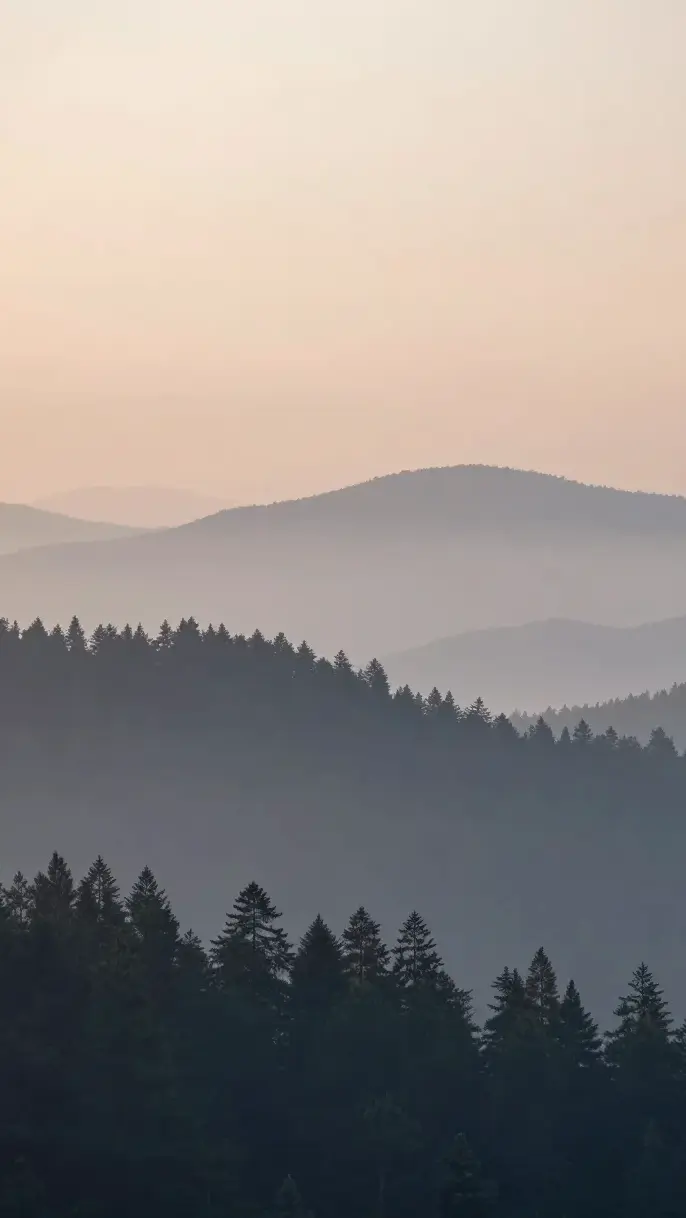
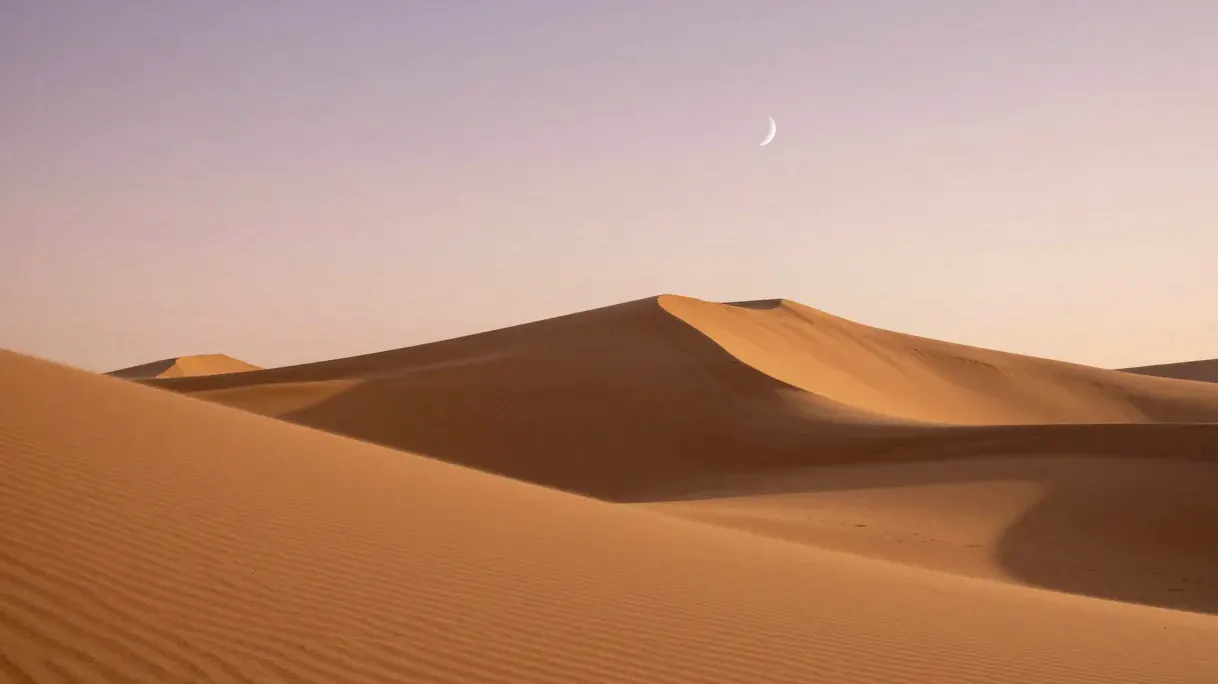
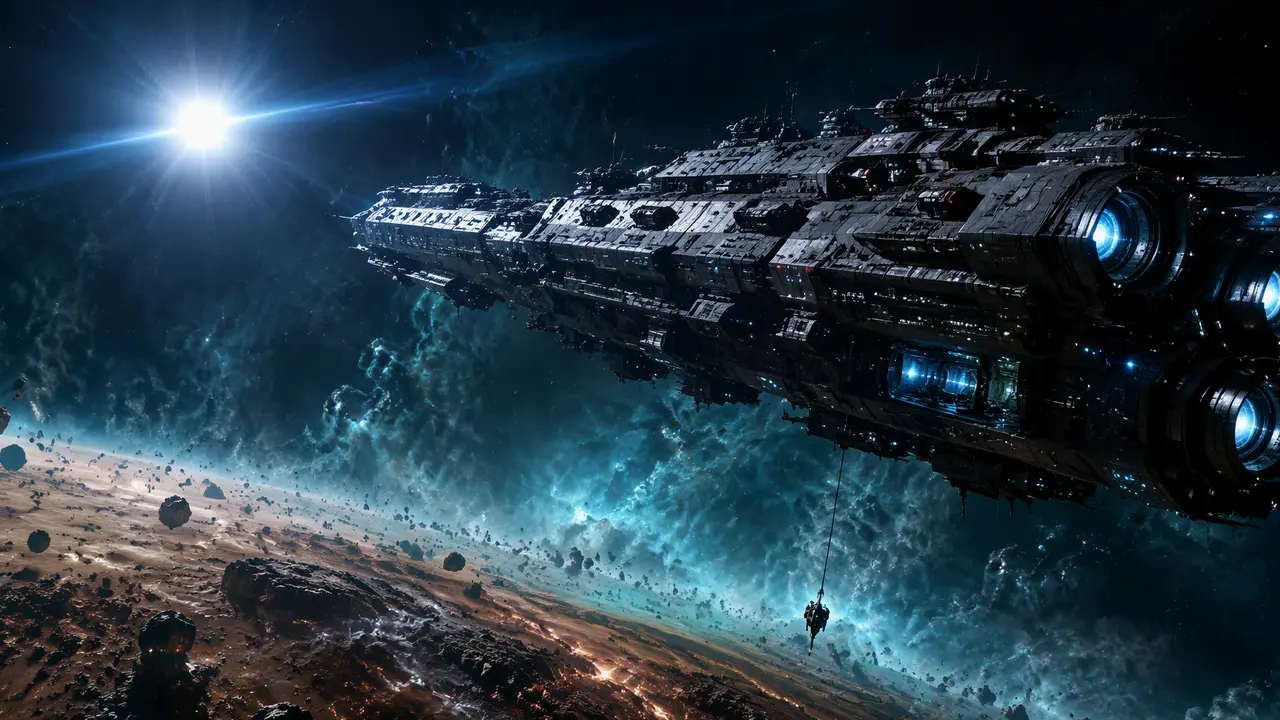
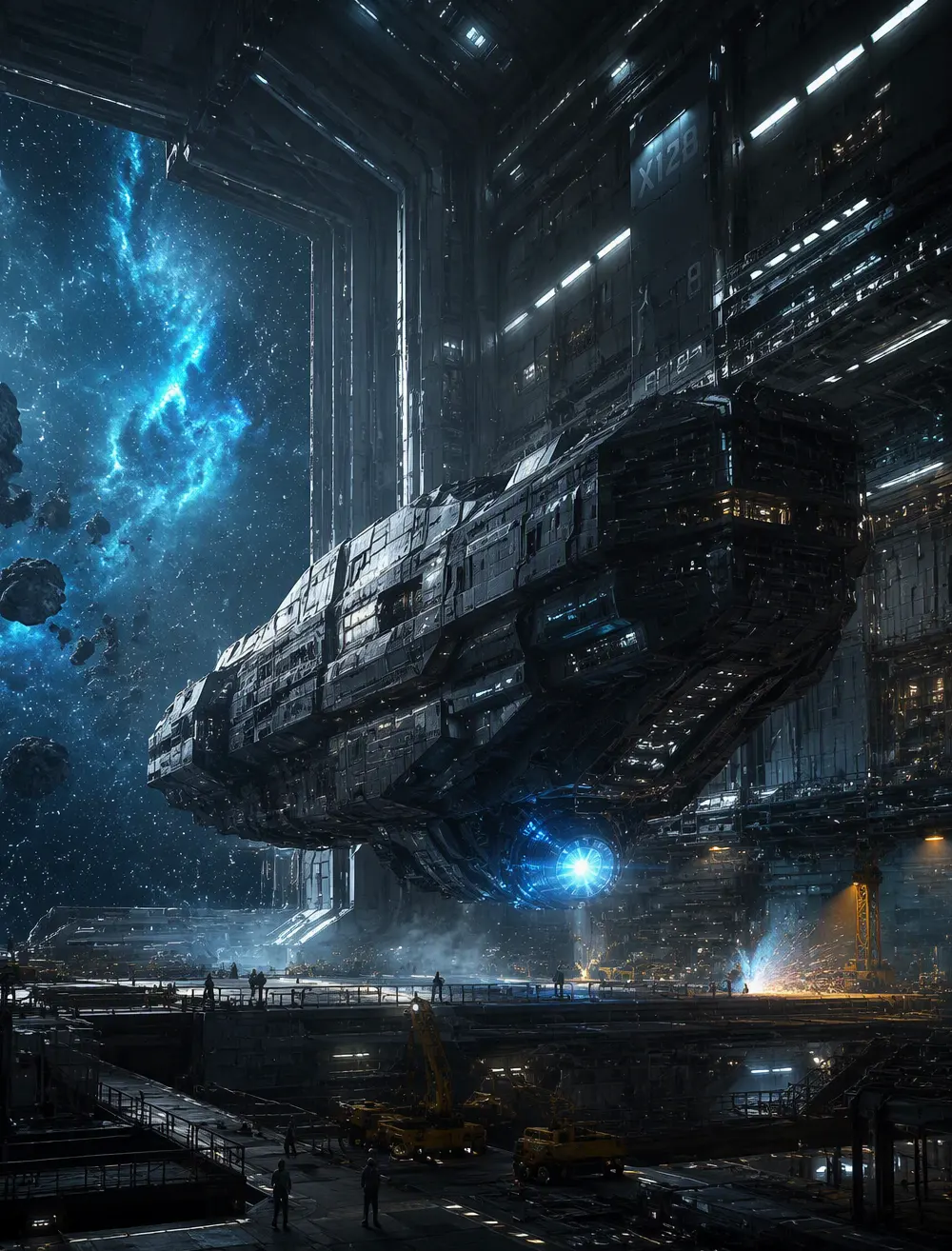
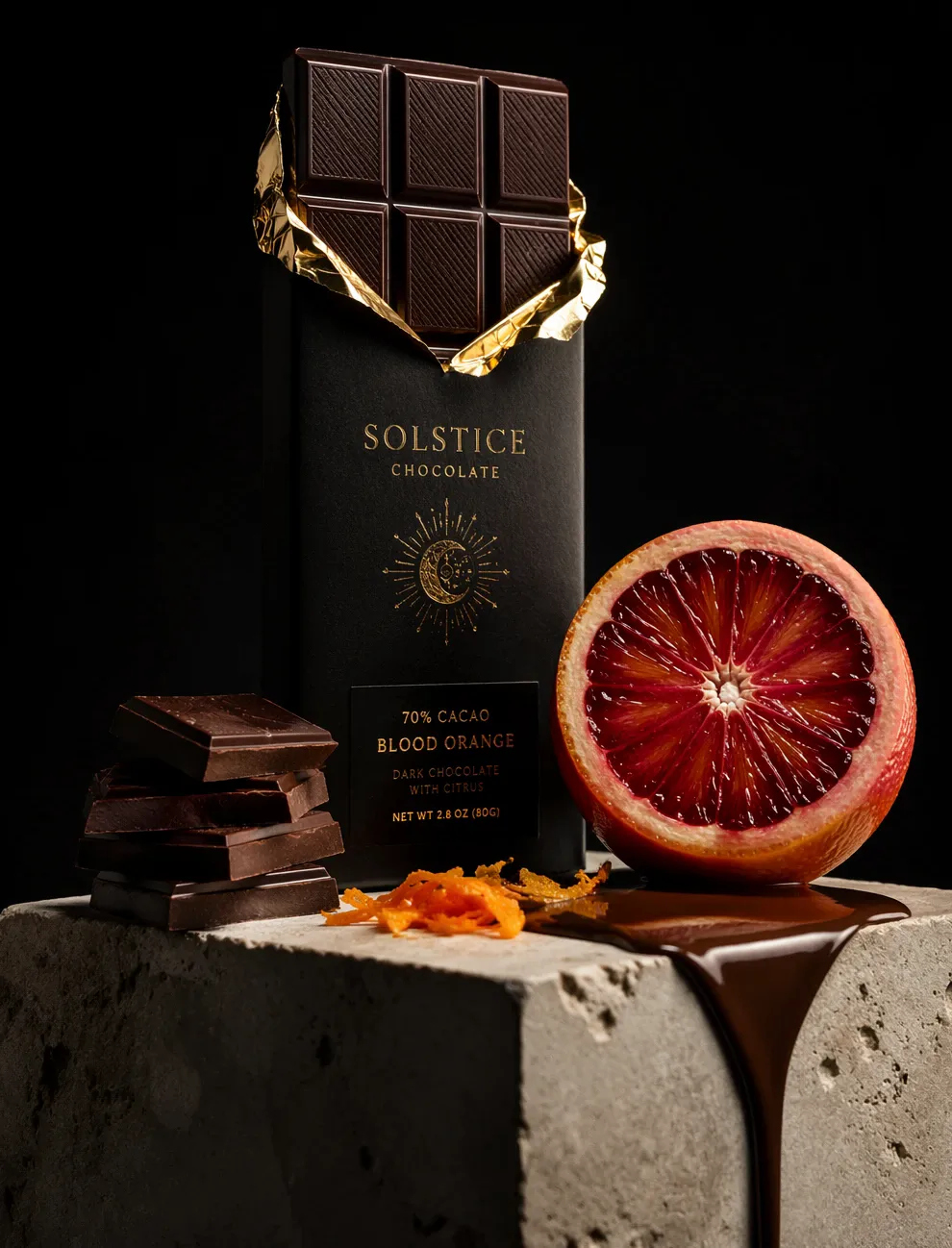
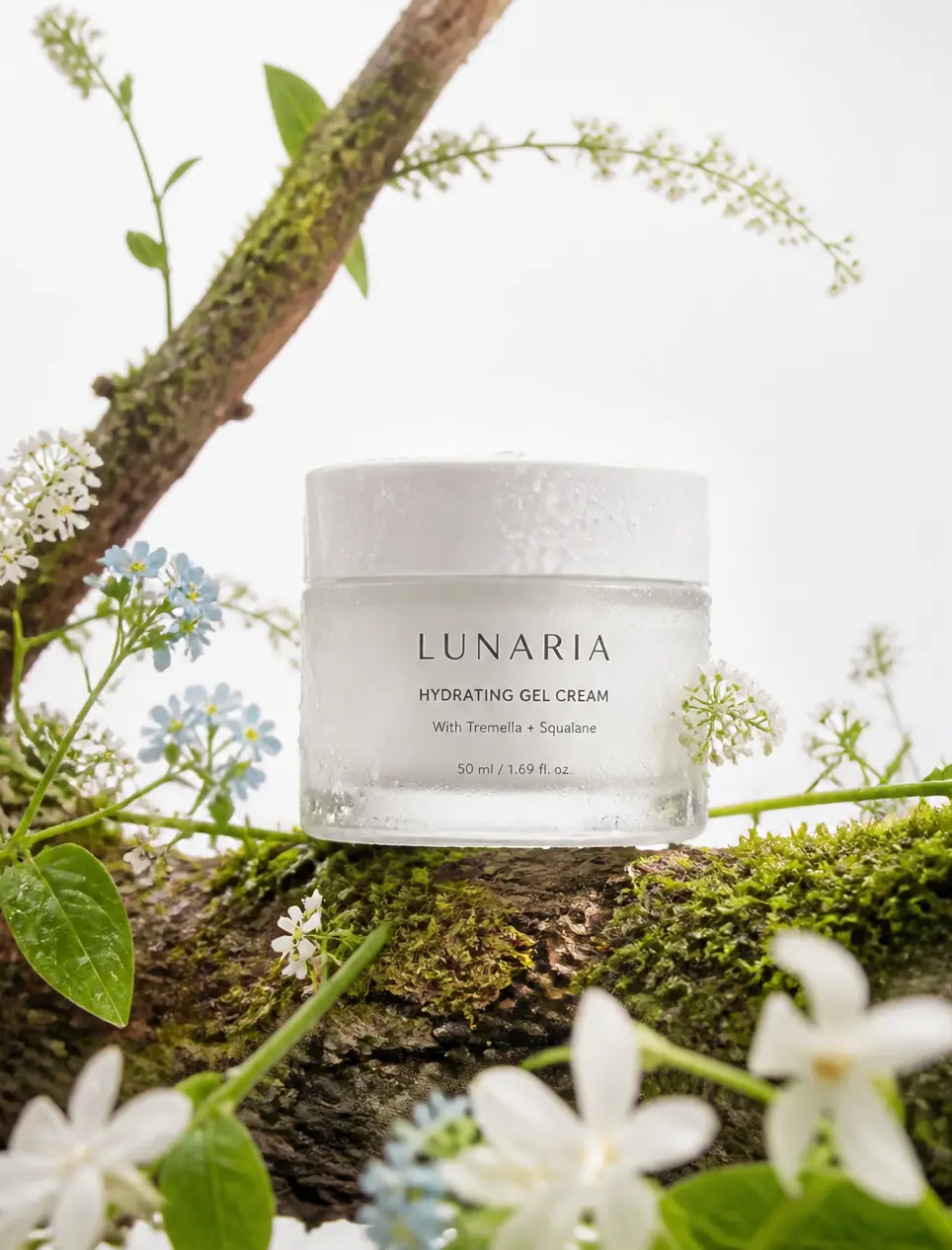
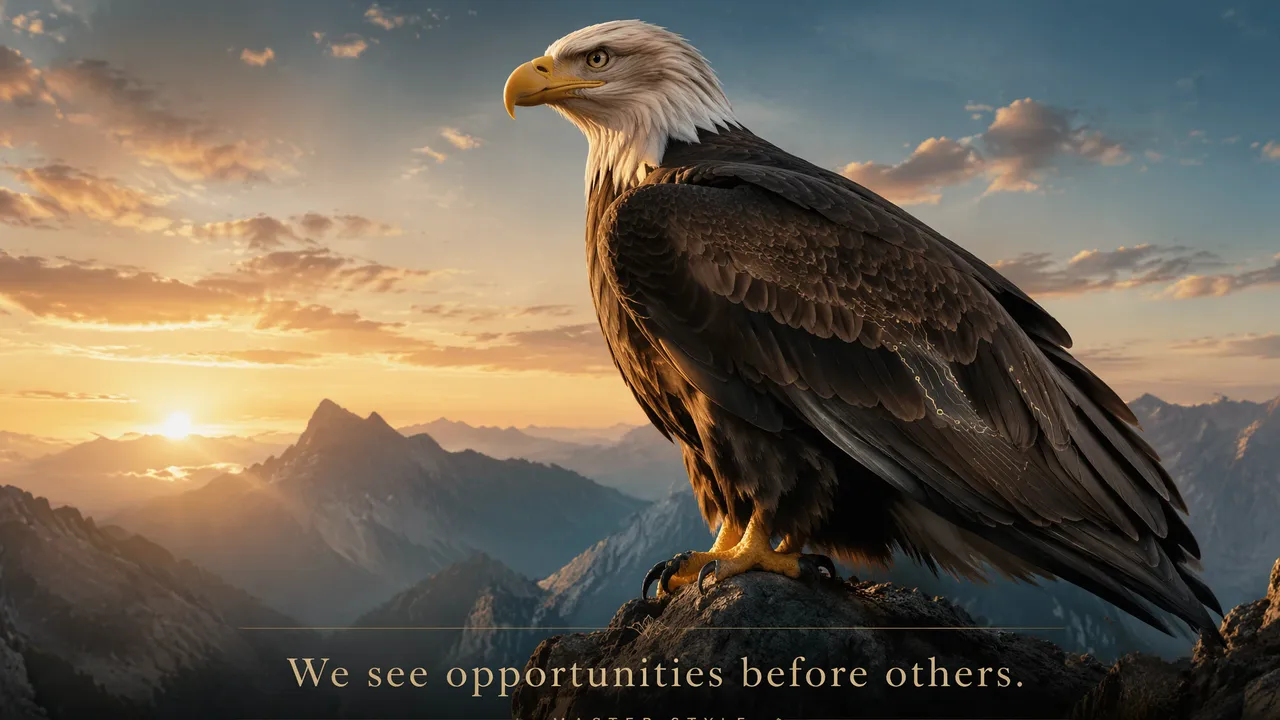
AI pictures, some from a public prompt gallery and some we made here, each with its full prompt. Borrow a prompt, pick a use and a model, and make your own version.




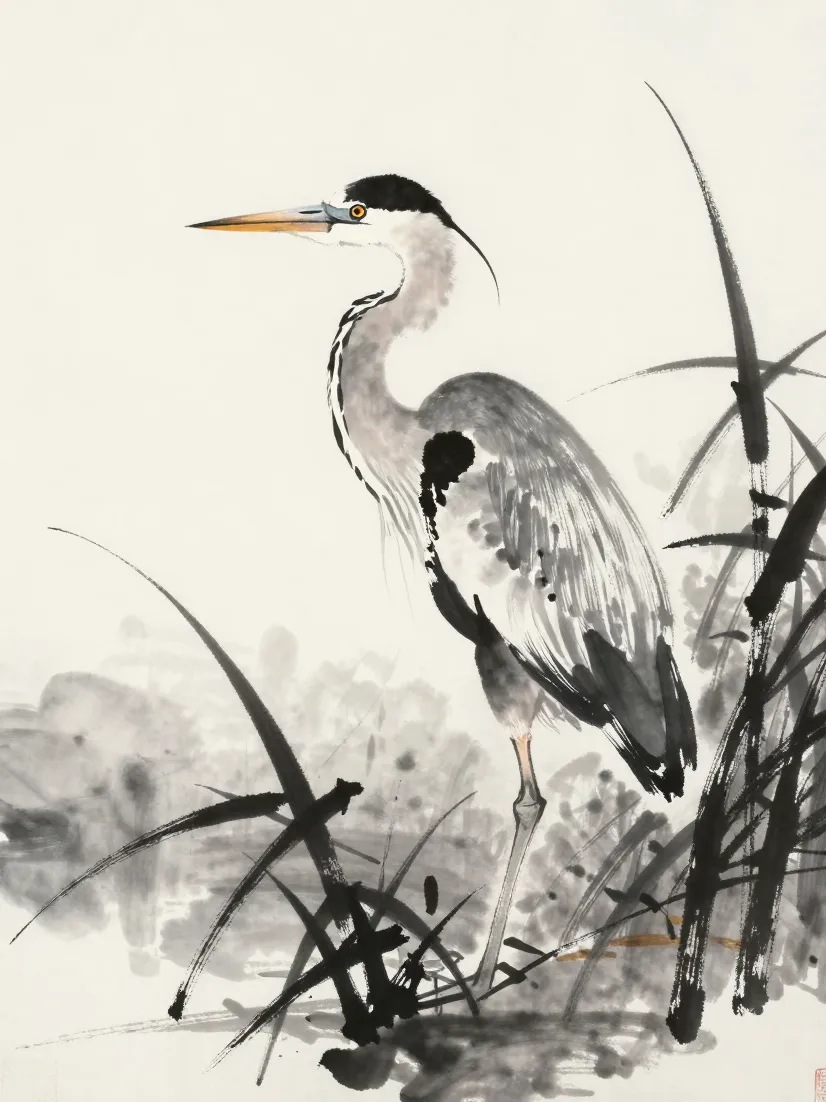
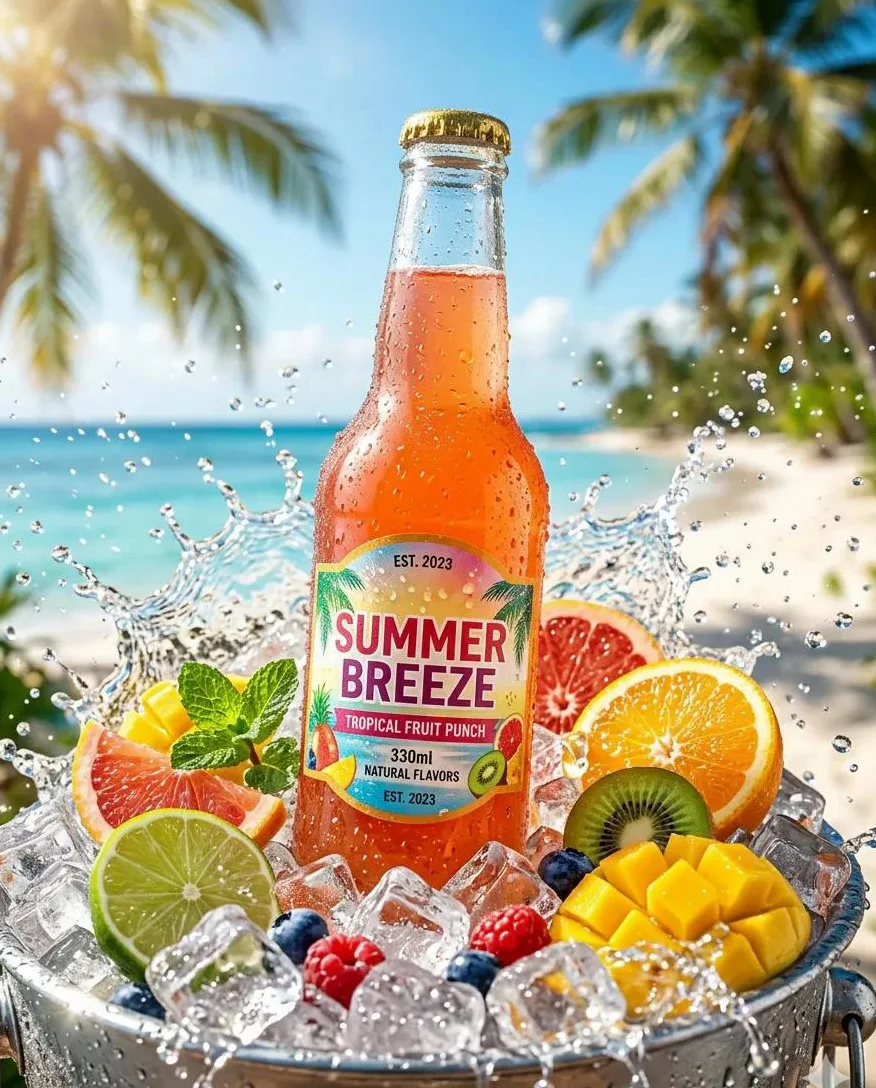
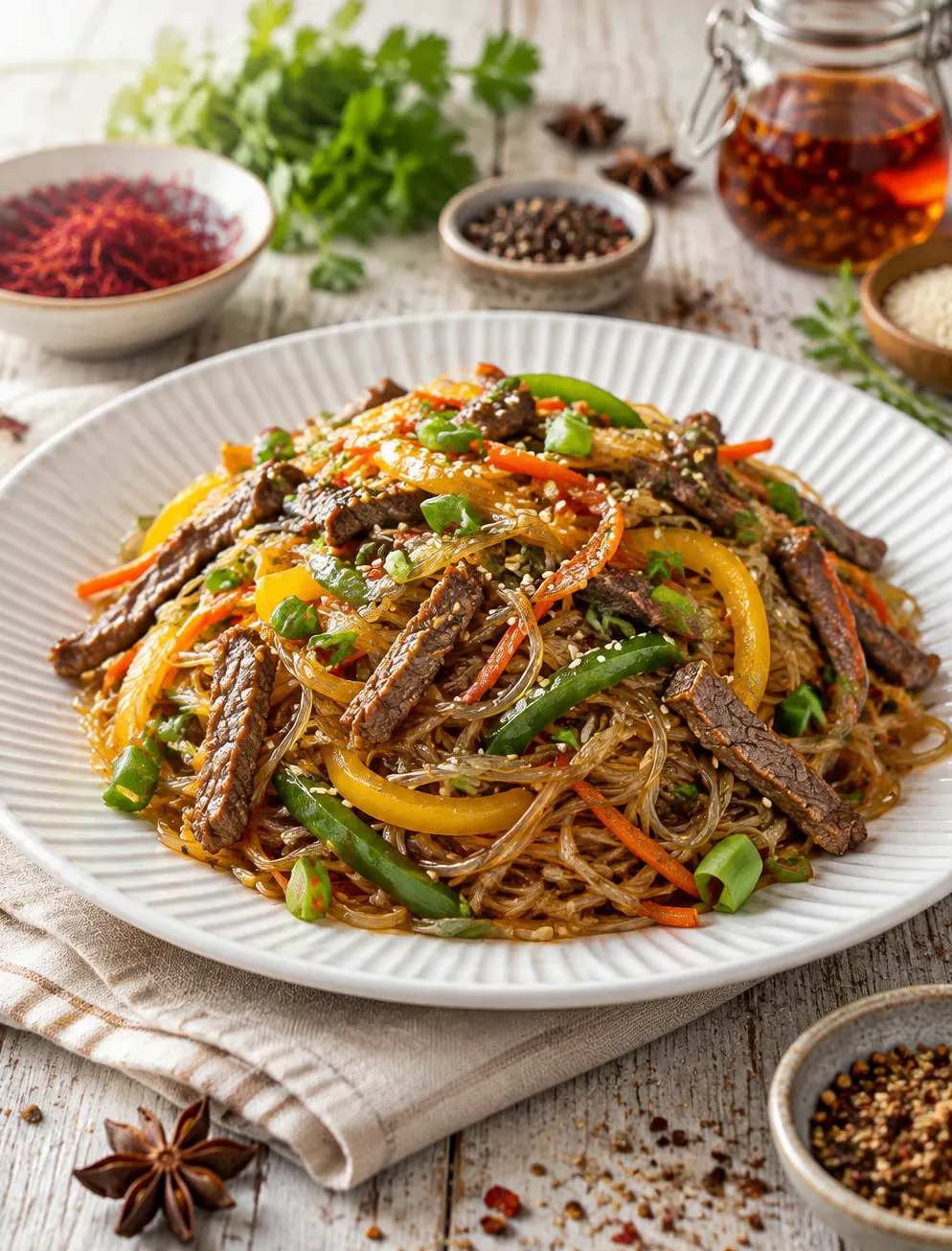
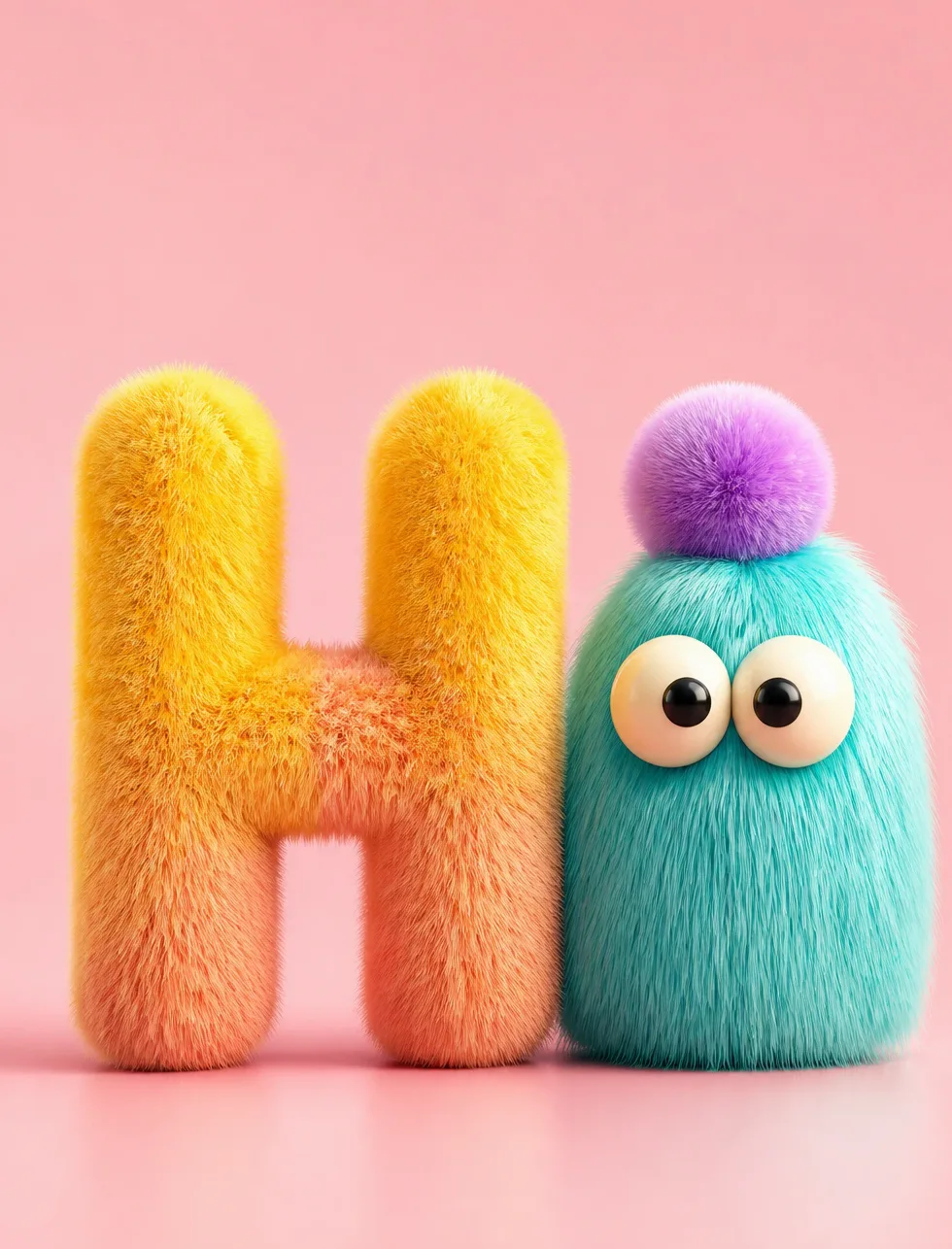
Models
Seven image models, one prompt box
Each model has its strengths. Draft on Z-Image Turbo or Imagen 4 Fast, then run the same prompt on Imagen 4, GPT Image 2 or Nano Banana 2.1 when text, detail or size matter.
- 01
Z-Image Turbo
The cheapest. Good for drafts and trying many variations.
from 8 credits · 1K
- 02
Imagen 4 Fast
Low-cost drafts with clean composition; good for wallpapers.
from 16 credits · 1K
- 03
Nano Banana 2.1
Follows long, specific prompts; the only model here up to 4K.
from 16 credits · 1K / 2K / 4K
- 04
Seedream 5.5
Painterly and photographic scenes with rich colour.
from 22 credits · 1K
- 05
GPT Image 2
Strong at readable words: posters, labels, signs. Up to 2K.
from 24 credits · 1K / 2K
- 06
Imagen 4
Balanced detail and reliable short titles on posters.
from 32 credits · 1K
- 07
Imagen 4 Ultra
The most detail and prompt accuracy of the Imagen 4 family.
from 47 credits · 1K
How it works
From a prompt to a picture that fits
5 uses and five aspect ratios (3:4, 1:1, 4:3, 16:9, 9:16). Every choice shows as a price before you create.
- 01
Say what it is for
Poster, phone wallpaper, desktop wallpaper, art print or square post. The use sets the ratio and adds a short note so the model frames it right.
- 02
Write it and pick a model
Describe the subject, setting, light and any exact words in quotes. Choose a model and size, and 1 to 4 pictures.
- 03
Refine and download
Change one detail with an edit, upscale a 1K picture 2×, then download. Results are saved privately to Creations for 30 days.
Pricing
Pay for pictures in credits
New accounts get 8 free credits once, after verifying their email address. One Z-Image Turbo image costs 8 credits. Plans give the lowest price per credit and a new allowance each month; yearly plans add more for the same monthly price. Packs are one-time and never expire. Every credit works on every model.
Glimpse
For a few pictures a week.
$8.70per month
1,410 credits a month · 0.62¢ per credit
- Each month's credits last 31 days
- Every model, size and use
- Cancel any time in Settings → Billing
Vivid
Regular posters, posts and wallpapers.
$23.80per month
4,110 credits a month · 0.58¢ per credit
- Each month's credits last 31 days
- Every model, size and use
- Cancel any time in Settings → Billing
Lumen
Heavy use and large print sizes.
$57.80per month
10,600 credits a month · 0.55¢ per credit
- Each month's credits last 31 days
- Every model, size and use
- Cancel any time in Settings → Billing
Team plans
Priced per seat, 3 seats minimum. Everyone on the team draws from one credit pool; the owner invites members in Settings → Team.
Mill
A shared credit pool for a small team.
$18.80per seat / month
Total $56.40
9,360 credits a month for 3 seats · 0.60¢ per credit
- Each month's credits last 31 days
- One shared credit pool for the team
- Cancel any time in Settings → Billing
Tapestry
Shared pool plus a credit limit per member.
$44.80per seat / month
Total $134.40
23,400 credits a month for 3 seats · 0.57¢ per credit
- Each month's credits last 31 days
- One shared credit pool for the team
- Set a credit limit per member
- Cancel any time in Settings → Billing
One-time packs
No subscription. Packs cost more per credit than plans, and their credits never expire.
Pocket Roll
Try every model on a few prompts.
$6.60one-time
885 credits · 0.75¢ per credit
- Credits never expire
- Every model, size and use
Sketch Roll
A project's worth of pictures, no subscription.
$16.60one-time
2,270 credits · 0.73¢ per credit
- Credits never expire
- Every model, size and use
Gallery Roll
The most credits in one purchase.
$41.60one-time
5,770 credits · 0.72¢ per credit
- Credits never expire
- Every model, size and use
Credits per picture
The price depends on the model and the size. A batch costs the per-picture price times the number of pictures, and a picture that fails costs nothing.
| Model | 1K | 2K | 4K |
|---|---|---|---|
| Z-Image Turbo | 8 | — | — |
| Imagen 4 Fast | 16 | — | — |
| Nano Banana 2.1 | 16 | 24 | 36 |
| Seedream 5.5 | 22 | — | — |
| GPT Image 2 | 24 | 40 | — |
| Imagen 4 | 32 | — | — |
| Imagen 4 Ultra | 47 | — | — |
| Change one detail (edit) | 16 | — | — |
| 2× upscale (from 1K) | — | 16 | — |
Changed your mind? Packs can be refunded within 12 days and the first plan payment within 6 days, while no more than 10% of the credits are used.
FAQ
Questions about the AI picture generator
Is Prismloom free to try?
Yes, you can try it for free. New accounts get 8 free credits once, after verifying their email address. One Z-Image Turbo image costs 8 credits, and no image carries a watermark. Credits from packs never expire.
How much does one image cost?
Between 8 and 47 credits. Z-Image Turbo at 1K is the cheapest at 8 credits; larger sizes and heavier models such as Imagen 4 Ultra cost more. The generator shows the exact credits before you press Generate, and a batch costs the per-image price times the number of images.
Which AI models can I use?
7 image models, each under its real name: Z-Image Turbo, Imagen 4 Fast, Nano Banana 2.1, Seedream 5.5, GPT Image 2, Imagen 4, Imagen 4 Ultra. Prismloom is independent and not affiliated with their makers. Start with Z-Image Turbo for drafts, then switch when you need text, detail or a larger size.
How many pictures can I make at once?
From 1 to 4 per prompt. Each picture in a batch is its own job: it is charged at the per-picture price and refunded on its own if it fails.
What does choosing a use do?
It sets the aspect ratio (3:4, 1:1, 4:3, 16:9, 9:16) and adds a short note to your prompt about where the picture goes, such as a poster or a phone lock screen. You can still change the ratio by hand.
Can I use the images commercially?
Yes, within the Terms of Service and the Acceptable Use Policy. You own your prompts and, as far as the law allows, the images you generate. Some countries do not protect purely machine-made images by copyright, so exclusive rights cannot be guaranteed.
Are my prompts and images private?
Yes. There is no public gallery: images sit behind private links and are deleted automatically 30 days after the job. You can delete any image sooner from your creations page.
What happens if a generation fails?
The credits for that image go back to your balance automatically. You do not need to contact support.
Should I pick a plan or a pack?
Plans give credits every month at a lower price per credit; Glimpse is $8.70 a month for 1,410 credits, each month's credits valid 31 days. Packs are one-time, from $6.60, and never expire.
Can I fix one detail without starting over?
Yes. On any finished picture, use Change one detail and describe the change; it costs 16 credits. A 1K picture can also be upscaled 2× for 16 credits. Upscaled pictures are labelled as upscaled.
Guides
Short, practical notes on choosing a model for text, preparing posters for print and how credits work.
Imagen 4 vs Nano Banana 2.1 vs GPT Image 2: Which Model for Posters with Text
How the three models differ for posters that carry a title: sizes, cost per picture, how each handles lettering, and a simple test you can run yourself.
How to Write a Prompt for a Print-Ready AI Poster
Pick the shape first, work out the print size from the pixels, quote the title exactly and describe the layout. With the DPI arithmetic for 1K, 2× upscale and 4K.
AI Picture Credits Explained: What Each Picture Costs on Prismloom
The credit price of one picture on every model and size, how batches multiply it, what edits and upscales cost, and how packs compare with plans.
Last updated: